Automating Payment Reminders on WhatsApp for Your Business
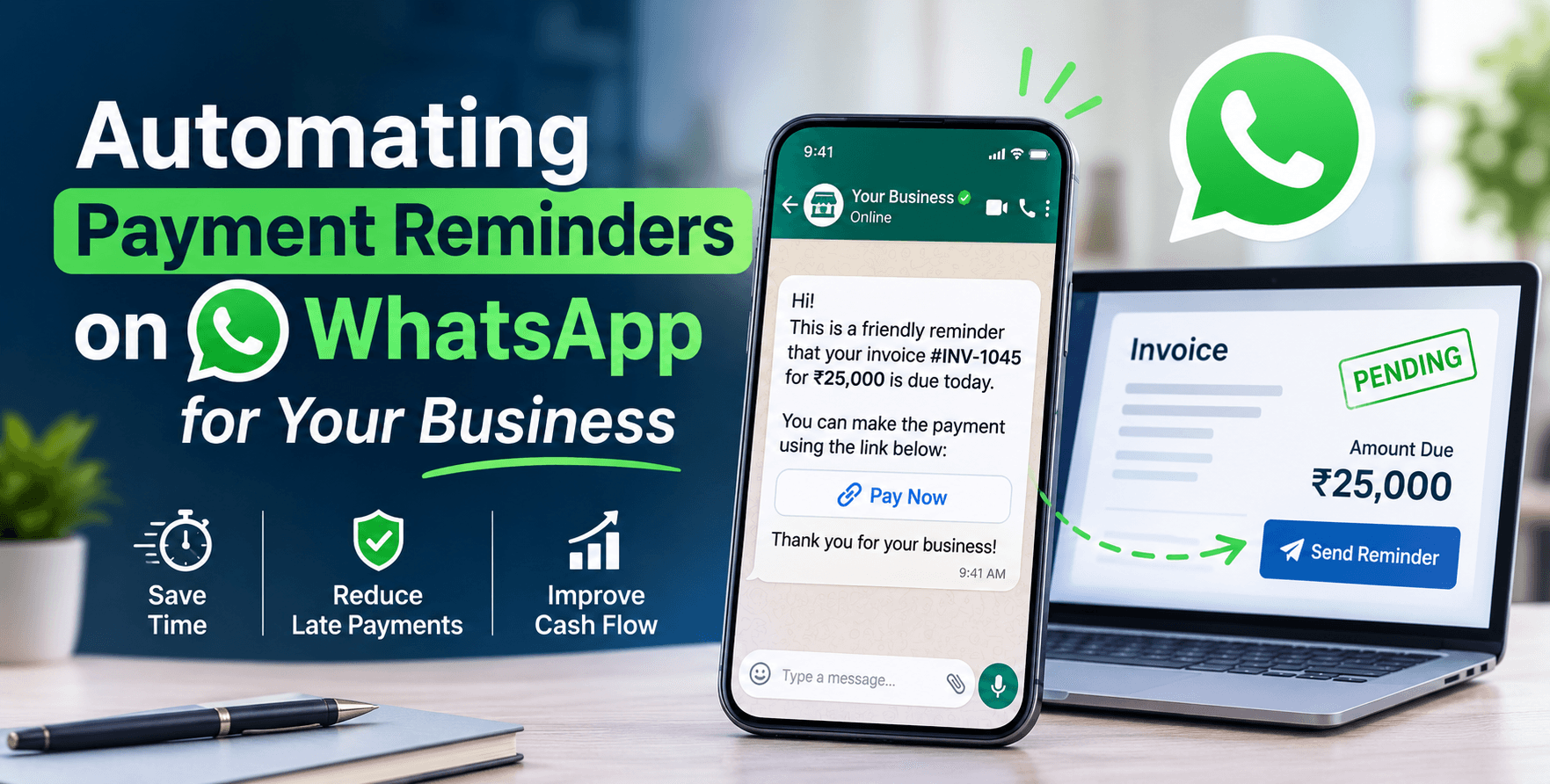
Managing customer payments is an important part of running any business. However, following up with customers for pending payments can take a lot of time. Business owners and accounting teams often have to check unpaid invoices, make phone calls, send messages and remind customers repeatedly.
This process becomes even more difficult when a business handles hundreds of invoices every month.
This is where WhatsApp payment reminder software can help. By combining invoicing software with WhatsApp automation, businesses can send timely payment reminders, share invoice details and manage outstanding payments more efficiently.
What Is WhatsApp Payment Reminder Software?
WhatsApp payment reminder software helps businesses automate payment-related messages through WhatsApp. Instead of manually contacting every customer, businesses can connect their invoicing or billing system with WhatsApp Business messaging.
The system can use invoice details such as customer name, invoice number, outstanding amount and payment due date to prepare personalised reminders.
For example, when an invoice becomes due, the customer can receive a WhatsApp message containing the pending amount and payment details. This makes communication faster and reduces the effort required for manual follow-ups.
How Does WhatsApp Payment Reminder Automation Work?
A WhatsApp payment reminder system generally works through a few simple steps:
1. Create and Manage Invoices
Businesses first create invoices using their billing or invoicing software. Each invoice contains important information, including customer details, total amount, invoice date and payment due date.
2. Connect WhatsApp with the Billing System
The invoicing system can be integrated with the WhatsApp Business Platform through an API or automation service. This allows the system to use invoice information when preparing customer notifications.
3. Schedule Automatic Payment Reminders
Businesses can configure reminders according to their payment schedules. For example, they can send a friendly reminder before the due date, a notification on the due date and a follow-up when payment becomes overdue.
4. Share Payment Details
Reminders can include invoice information, a PDF invoice or a payment link, depending on the integration. Customers can review their outstanding balance and proceed with payment.
5. Update Payment Records
When a payment is recorded and matched with an invoice, the billing system can update its status. Automation can also stop further reminders for invoices marked as paid.
Benefits of Automating Payment Reminders on WhatsApp
Saves Time and Manual Effort
Employees do not need to contact every customer individually. Automated reminders reduce repetitive administrative work and allow teams to focus on other business activities.
Reduces Missed Payment Follow-Ups
Scheduled notifications help businesses maintain regular communication with customers and reduce the chances of forgetting overdue invoices.
Improves Customer Communication
WhatsApp provides a convenient way to share invoice details and payment updates. Customers can receive important information through a familiar communication channel.
Better Invoice and Payment Tracking
When WhatsApp messaging is connected with invoicing software, businesses can manage invoice records, payment statuses and outstanding amounts more systematically.
Supports Business Growth
As the number of customers increases, manual payment follow-ups become harder to manage. Automation provides a more organised approach that can support growing businesses.
Important Features to Look for in a Payment Reminder System
Before choosing WhatsApp payment reminder software, businesses should consider these useful features:
Automated invoice and payment reminders.
Customisable reminder schedules.
Customer-wise outstanding payment tracking.
Invoice sharing through WhatsApp.
Payment links and payment status updates.
Integration with billing and accounting systems.
Reports for pending and completed payments.
These features help businesses build a more efficient invoicing and payment management process.
Why Businesses Should Combine WhatsApp Automation with Invoicing Software
WhatsApp reminders are useful, but managing payments becomes more effective when messaging is connected to a proper invoicing system.
With Invoicing Software, businesses can organise billing records, manage customer invoices and maintain better visibility of their payment information.
A connected automation workflow can take this process further by sending payment notifications, sharing invoice details and updating payment records.
Businesses looking for more advanced solutions can also explore Custom Software Development and Digital Solutions to build workflows that match their operational requirements.
Conclusion
Automating payment reminders on WhatsApp is a practical way to simplify invoice follow-ups and improve payment communication. Instead of spending hours sending individual messages, businesses can use scheduled notifications and connected invoicing systems to manage pending payments more efficiently.
Whether you run a small business, an agency, a retail store or a growing enterprise, adopting WhatsApp payment reminder software can help create a more organised billing process.
Looking to improve your business invoicing and automation process? Explore Tech Assistant's Invoicing Solutions or Contact Our Team to discuss your business requirements.